Understanding TradingView Tools for Success
In the world of trading, having the right tools can significantly enhance your ability to analyze market trends and make informed decisions. Since its inception, TradingView has emerged as a leading platform for traders and investors alike, offering a comprehensive suite of tools for charting, analyzing, and sharing trading strategies. This article will delve into the core features of TradingView that make it a crucial asset for both novice and expert traders, and how you can effectively customize your trading workspace to maximize your success.
What is TradingView and Its Key Features?
TradingView is a web-based platform that provides users with advanced charting capabilities, real-time data on various assets, and a robust community for sharing insights and trading strategies. Here are some of its key features:
- Advanced Charting Tools: TradingView offers an extensive range of chart types and settings, allowing users to visualize data effectively.
- Technical Indicators: It includes built-in indicators such as moving averages, MACD, RSI, and more, which help traders analyze market conditions.
- Custom Alerts: Users can set alerts based on specific price movements, technical indicators, or custom conditions, ensuring they never miss a trading opportunity.
- Community and Social Networking: The platform allows users to share ideas, follow other traders, and learn from community insights.
- Pine Script: TradingView’s custom scripting language empowers users to develop personalized indicators and strategies.
How to Customize Your Trading Workspace
To optimize your trading experience, it’s essential to customize your TradingView workspace. Here’s how you can tailor it to your preferences:
- Select Your Layout: Choose from multiple layout options, allowing you to view several charts simultaneously. This is beneficial for comparing asset performances.
- Add Indicators: Simply drag and drop your preferred technical indicators onto the charts. This customization helps you focus on the metrics that matter most to your strategy.
- Save Your Workspace: Make sure to save your customized layout so you can easily access it during each trading session.
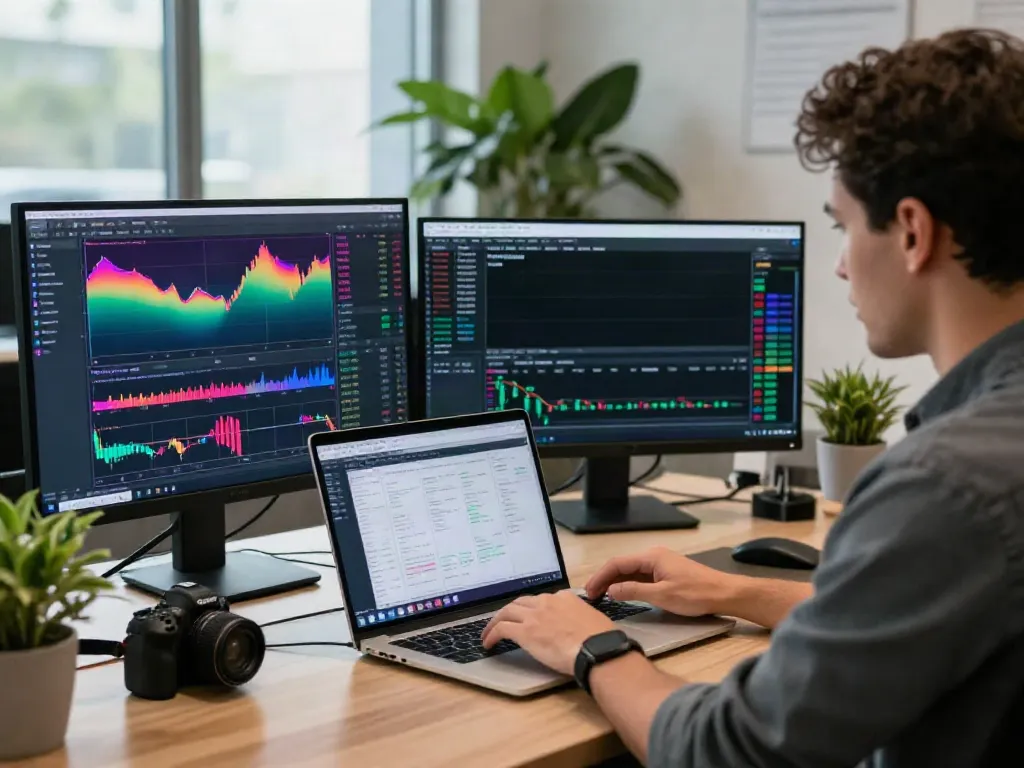
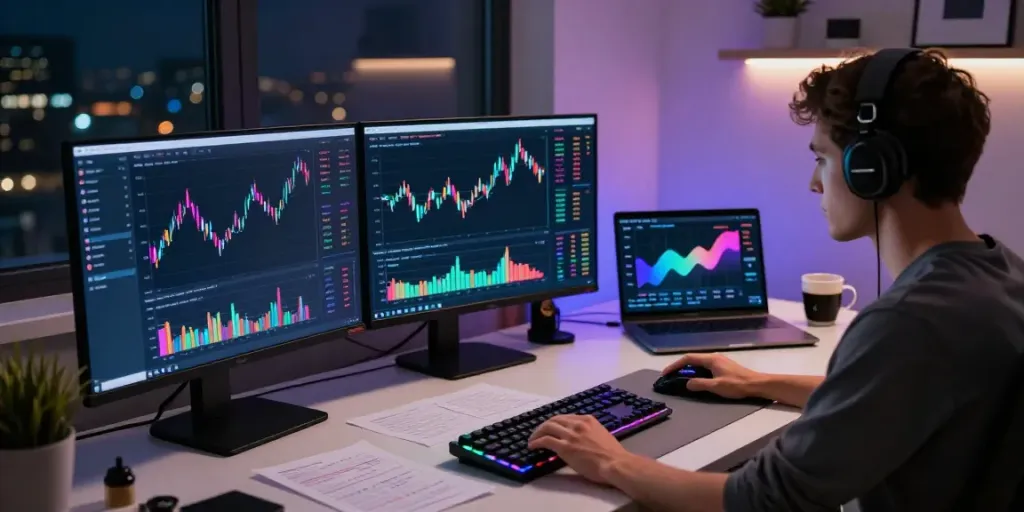
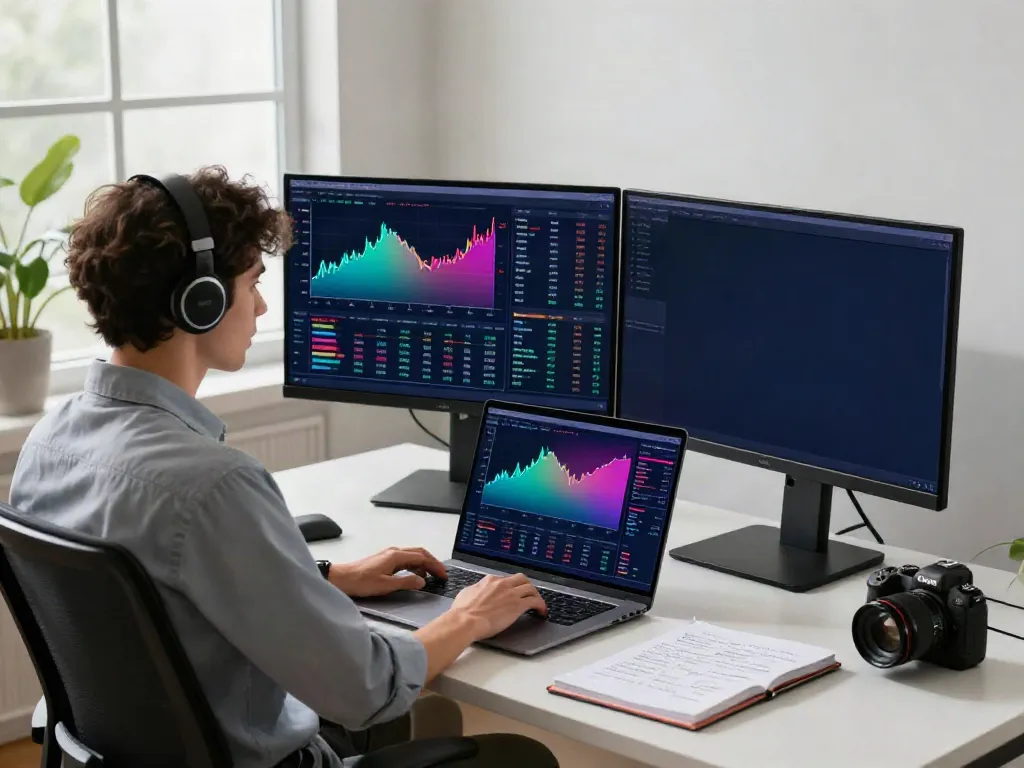
- Utilize Screen Space Effectively: If you use multiple monitors, TradingView supports multi-screen setups, allowing a more efficient trading analysis environment.
Effective Trading Strategies Using TradingView
Developing a robust trading strategy is crucial for success in the financial markets. TradingView equips you with the tools necessary to formulate and test your strategies effectively.
Building Your First Trading Strategy
When creating a trading strategy, it’s important to focus on a systematic approach. Here’s how you can build one using TradingView:
- Define Your Goals: Start by setting clear financial goals. Are you looking for short-term gains or long-term investments?
- Analyze Market Conditions: Utilize TradingView’s charts and indicators to study the market conditions affecting your assets.
- Backtest Your Strategy: Use the Strategy Tester feature to evaluate how your strategy would have performed in the past, identifying potential pitfalls.
Backtesting Strategies with TradingView’s Tools
Backtesting allows you to check the viability of your trading strategies using historical data. Here’s how to leverage TradingView’s tools for effective backtesting:
- Utilize Historical Data: Access a vast database of historical price data that TradingView provides to see how your strategy would have fared.
- Adjust Parameters: Modify your strategy parameters to see how changes affect performance metrics such as win rates and profit-loss ratios.
- Evaluate Results: Take time to analyze the backtesting results. Look for patterns and insights that can help refine your strategy further.
Continuous Improvement: Learning from Past Trades
Continuous learning is vital in trading. By analyzing your past trades, you can identify what worked and what didn’t. Consider these steps:
- Review Your Trades: Take a detailed look at your past trades to determine which strategies were successful and which were not.
- Engage in Community Feedback: Share your trades and strategies within the TradingView community to gather insights and suggestions from other traders.
- Adapt and Refine: Based on your findings, continuously refine your strategies to adapt to ever-changing market conditions.
Enhancing Your Trading Experience
To make the most out of TradingView, integrating alerts, utilizing community insights, and relying on real-time data can vastly improve your trading efficiency.
Integrating Alerts and Notifications
Alerts are a powerful feature of TradingView, allowing you to stay updated on market movements without constantly monitoring charts. Here’s how to set them effectively:
- Price Alerts: Set alerts for specific price points or percentage changes in asset prices to be notified instantly.
- Indicator Alerts: Use alerts when certain conditions of indicators are met, such as crossovers in moving averages.
- Custom Alerts: Employ the Pine Script to create complex alerts based on your unique trading criteria.
Utilizing Community Insights on TradingView
The TradingView community is rich with diverse insights and strategies. Engaging with this community offers several benefits:
- Idea Sharing: Traders can publish their ideas, allowing others to comment and provide feedback.
- Learning from Others: Analyze the strategies of top traders and learn new techniques to enhance your trading skills.
- Networking Opportunities: Establish connections with fellow traders and potentially collaborate on trading strategies.
The Importance of Real-Time Data
Real-time data is crucial for making timely trading decisions. TradingView provides instant access to live market data for various financial instruments. Here’s why it matters:
- Speed of Execution: Immediate access to market conditions enables traders to act quickly on potential opportunities.
- Market Reactions: Understanding how markets react to news and events in real-time allows for better decision-making.
- Comprehensive Coverage: With data on stocks, forex, cryptocurrencies, and commodities, TradingView ensures that traders can monitor multiple assets simultaneously.
Navigating Challenges in Trading
While TradingView provides numerous advantages, traders often face challenges in their trading journey. Understanding and overcoming these challenges is key to success.
Common Misconceptions About TradingView
Many new traders have misconceptions about trading platforms. Some common misunderstandings regarding TradingView include:
- It’s Only for Experts: TradingView is designed for traders of all levels, from newbies to seasoned professionals.
- High Costs: While there are paid plans, many features are available for free, catering to those at different economic levels.
- Over-Reliance on Indicators: While indicators are valuable, effective trading also requires understanding market trends and fundamentals.
Overcoming Analysis Paralysis
With so much information and data available, traders can experience analysis paralysis, leading to inaction. Here’s how to combat it:
- Simplify Your Strategy: Focus on a few key indicators and strategies instead of trying to analyze every aspect of the market.
- Set Time Limits: Allocate specific time for analysis before making trading decisions to prevent overthinking.
- Act on Test Results: Rely on backtested strategies and commit to executing trades based on your analysis.
Managing Risks Effectively with TradingView
Risk management is a crucial aspect of trading. TradingView offers several tools that facilitate better risk management:
- Risk Assessment Tools: Use tools to calculate risk-reward ratios before executing trades to ensure favorable outcomes.
- Position Sizing Techniques: Learn to adjust your position sizes according to your risk tolerance and trading objectives.
- Stop-Loss Orders: Set stop-loss orders directly through TradingView to minimize potential losses and protect your capital.
The Future of Trading with TradingView
As technology evolves, so does the world of trading. TradingView is at the forefront of these changes, continuously adapting its features to meet market demands.
Predicted Trends in Trading for 2026
Looking ahead, several trends are expected to shape the trading landscape:
- Increased Mobile Trading: The trend towards mobile trading will continue, with more traders relying on smartphones for real-time access and decision-making.
- Growth of Algorithmic Trading: More traders are likely to adopt algorithmic strategies, leveraging automated tools to execute trades based on market conditions.
- Enhanced Community Trading: The community aspect of TradingView will grow, with traders collaborating more openly and sharing insights.
Adapting to AI and Algorithmic Trading
Artificial intelligence is likely to play a significant role in trading strategies. Here’s how traders can adapt:
- Leverage AI Tools: Use AI-driven insights from TradingView to gain a better understanding of market sentiments and trends.
- Experiment with Machine Learning: TradingView allows users to share machine learning models, which can enhance trading strategies.
- Stay Informed: Keep up with advances in AI technology and its implications for trading practices.
Engagement with New Trading Tools
As new tools and features are introduced, engaging with them is essential for effective trading:
- Participate in Webinars: Take advantage of educational webinars hosted by TradingView experts to familiarize yourself with new features.
- Read Community Articles: Explore articles and discussions on TradingView that highlight new tools and how to incorporate them into your strategy.
- Trial New Features: Regularly try out new features and tools to remain competitive in a fast-paced trading environment.